Long Layover at Narita or Haneda: Do You Need a Japan eSIM?
Layover at Narita or Haneda? Free airport Wi-Fi covers most short stops. Here's when a one-day eSIM or roaming is worth it, and what you need to leave.
On this page
Disclosure Some links on this page are affiliate links. If you buy through them we may earn a small commission at no extra cost to you. It never changes what we recommend.
This article contains affiliate links. We may earn a commission at no extra cost to you.
Your plane parks at the gate in Tokyo, you have seven hours until your next flight, and your phone shows "No Service". If you're staying inside the airport, the free airport Wi-Fi is usually enough. Buy a short eSIM only if you're going through immigration and out into Japan.
The quick answer:
- Under 3 hours: free airport Wi-Fi. That's it.
- 3–8 hours, staying inside: Wi-Fi is still fine. A $2 day eSIM is cheap peace of mind.
- Going out into Japan: set up a one-day eSIM before you fly.
📶 Is the free Wi-Fi at Narita and Haneda good enough?
For most connections, yes. Both airports run their own free networks, and you just tap and agree to the terms. You don't need a password.
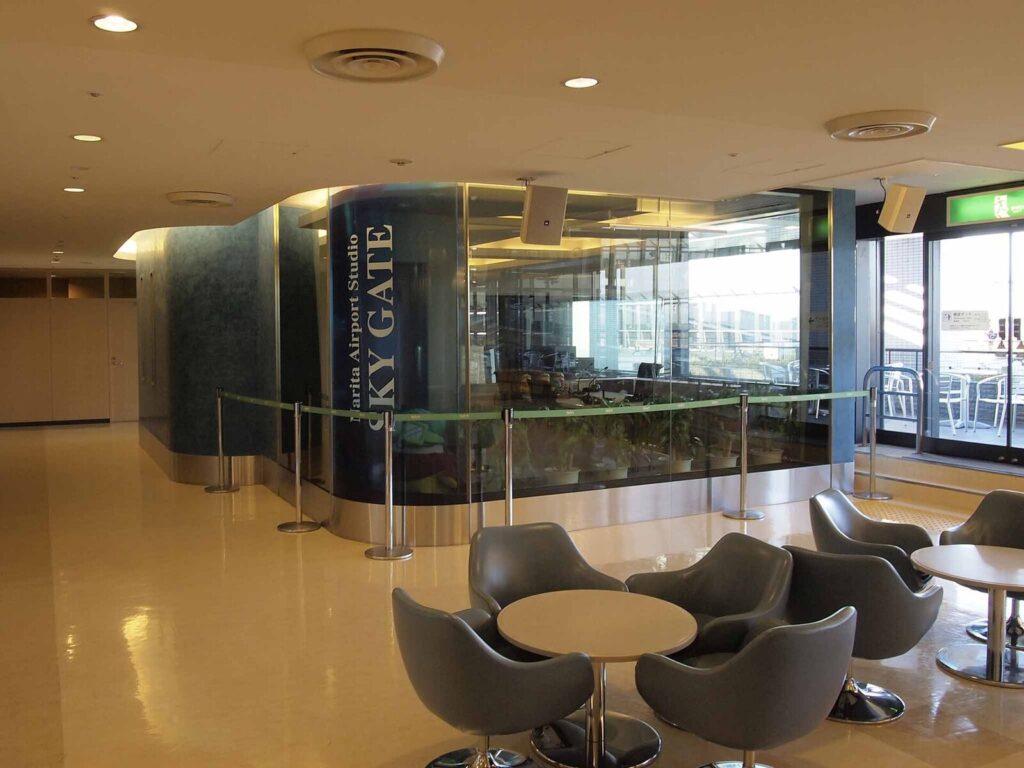
Narita: The network is called FreeWiFi-NARITA. The airport says it covers every terminal and even the shuttle buses between them. Choose it in your Wi-Fi settings, accept the terms on the screen that opens, and you're online. The airport notes that speed depends on where you are and how busy it is, and it suggests a VPN for anything sensitive.
Haneda: Look for HANEDA-FREE-WIFI in Terminals 1, 2 and 3. Choose it, open a browser, and follow the steps on screen. Good to know before you settle in for a long video call: in Terminals 1 and 2 the Wi-Fi doesn't reach inside the shops, and in Terminal 3 it doesn't reach some of them. Lounges are covered. The airport also says a few spots are hard to connect in.
Haneda has one small trap. Check the network name letter by letter before you connect, and only use the exact name the airport lists.
Both airports also have free power outlets around the terminals, so a long wait won't drain your phone.
🧳 Which option fits your layover? A quick table
This table covers your three choices for each kind of layover.
| Your layover | Free airport Wi-Fi | Short eSIM (1 day) | Home roaming |
|---|---|---|---|
| Under 3 hours, airside | Enough for messages, boarding updates, a quick call | Not needed | Only if your plan already includes Japan |
| 3–8 hours, airside | Fine in gates and lounges, weaker inside shops | Nice to have if you'll walk around a lot or need steady calls | Handy if your carrier has a cheap day pass |
| Leaving the airport | Gone the moment you step outside | The easy pick: maps, train times, translation | Works, but check your home carrier's daily price first |
"Airside" means you stay past security and never go through immigration. On a normal connection, that's where you'll be.
Here's my take. On an airside layover of any length, the free Wi-Fi does the job. An eSIM only clearly pays off once you leave the airport, because the airport Wi-Fi stops at the door.
🚄 What do you need to leave the airport on a layover?
Leaving means going through immigration and customs like any arriving visitor. If your passport lets you visit Japan without a visa, you enter the normal way. Collect your bag if your airline hasn't checked it through, and leave plenty of time to get back through security.
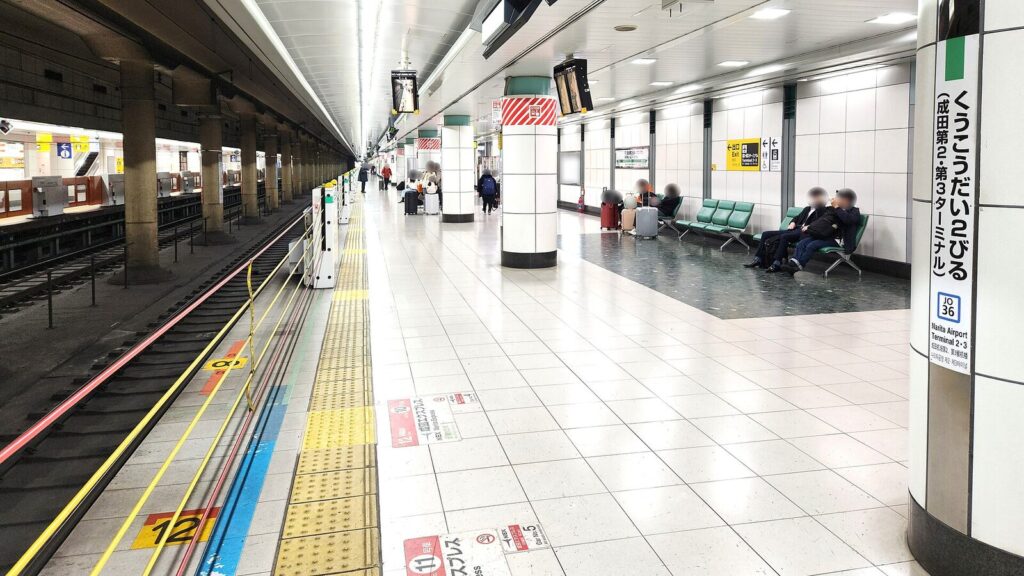
If your passport needs a visa, there's a special route called a shore pass. In Japanese it's 寄港地上陸許可 (kikōchi jōriku kyoka, "landing permission at a port of call"). Japan's immigration rules say you need a ticket for your onward flight. The stay is set at no more than 72 hours. You must also stay in the city or town where the airport is, unless the immigration officer allows more. Ask your airline before you fly whether you can get one.
Narita Airport is in Narita City. That makes the airport's own Transit & Stay Program a good fit. It runs guided tours around the area: temples, old streets, local food and kimono experiences. The program says there's no tour or guide fee. You pay your own costs, such as train fares. The tours take from 3 hours (Narita City) to 6 hours (Kozaki Town), and you need to book ahead. The counters are on the 1st floor of the arrival lobby in Terminals 1 and 2.
How long is "long enough"? Look at the train times:
- Haneda: Terminal 3 to Shinagawa takes about 11 minutes on the Keikyu Rapid Express. The monorail to Hamamatsucho takes about 13 minutes.
- Narita: The Skyliner to Ueno takes about 45 minutes. The Narita Express to Tokyo Station takes about 60 minutes.
This is the part people miss. A 7-hour layover at Haneda can mean a real meal in the city. The same 7 hours at Narita fits a trip into Narita town much better than a trip into central Tokyo. Haneda is simply that much closer.
📱 How small an eSIM plan makes sense for a few hours?
A few hours of maps, train times and messages uses very little data. 500 MB covers it with room to spare. Video uses data much faster, so save that for the airport Wi-Fi.
As of 2026-10, these were the shortest plans on the providers' own pages:
| Plan | Data | Validity | Price (as of 2026-10) | Who it suits |
|---|---|---|---|---|
| Ubigi "Asia 500 MB, 1 day" | 500 MB | 1 day | US$2 | Layover travelers who only need a few hours online |
| Airalo Japan, shortest plan | Unlimited | 3 days | US$11.50 | People with a stopover night, or flying back through Japan soon |
The Ubigi plan covers 26 places in Asia, including Japan, where it uses the KDDI and NTT Docomo networks. Its 1-day clock starts automatically when you arrive in a covered country, not when you buy it. If you never use it, it expires 6 months after purchase.
The Airalo page lists unlimited plans starting at 3 days, on the SoftBank network. If your layover turns into a night in Tokyo, that one fits better.
Honestly, for a single layover, the 1-day 500 MB plan is the easiest pick. It costs less than a coffee at the airport. And because the clock starts on arrival, you can set it up at home without rushing.
🛫 How do you set it up before you fly?
Install the eSIM at home, on your own Wi-Fi, a day or two before you leave. Don't try to scan a QR code at the gate.
Apple's support page explains the rest for iPhone. When you land, you may see a "Turn On Travel eSIM" prompt. Choose to use the travel eSIM only, or alongside your home line. If you keep both on, the travel eSIM handles data, but your home line can still charge roaming fees. You can always check which line handles data in Settings → Cellular → Cellular Data. On iPhone, iMessage and FaceTime keep working on your home number.
When you're back airside, the airport Wi-Fi takes over again.
❓ FAQ
Do I go through immigration on a normal connection at Narita or Haneda?
Not if you stay airside. You'll follow the transfer signs and go through a security check, but not immigration. You only go through immigration if you want to leave the airport.
Does the free airport Wi-Fi work in the lounges?
Yes. Haneda's official page names lounges as covered, even in terminals where the shops aren't. Narita says its network covers all terminals.
Is 500 MB really enough for a city trip on a layover?
For maps, train times, messages and a few photos sent home, yes. If you plan to stream video or make long video calls, choose a bigger plan.
Can I join the Narita Transit & Stay Program with a 4-hour layover?
The shortest tour runs 3 hours, and you still need time for immigration and security both ways. A longer layover gives you a much easier day. Check the program's booking site for current times.
Does a shore pass let me go into central Tokyo?
The rules limit you to the city or town where the airport is, unless the immigration officer decides otherwise. From Narita, plan around Narita City. Check the official site for the latest.
✅ Recap
- Staying airside for any length of time? FreeWiFi-NARITA or HANEDA-FREE-WIFI is enough.
- Leaving the airport? A one-day eSIM (500 MB, about US$2 as of 2026-10) gives you maps and messages the whole time you're out.
- Haneda is about 11–13 minutes from the city by train. From Narita, central Tokyo is 45–60 minutes away, which makes Narita town the easier outing.
- Visa-free passports enter the normal way. Otherwise, ask your airline about a shore pass.
- If you're heading out, book your tour or airport train ticket before you fly, so you spend your hours in Japan instead of in a ticket queue.
Book it before you fly

Klook — tickets, tours and rail
- Good forTheme parks, day trips, rail passes
- BookingInstant e-tickets to your phone
- LanguagesEnglish and more

KKday
KKday — tickets and experiences
- Good forExperiences, transfers, day tours
- BookingE-tickets and vouchers
- LanguagesEnglish and more
Show sources
- Service and Facility Details: Wi-Fi / Power outlet spaces — Narita International Airport Corporation (accessed 2026-10-07)
- Wireless LAN — Haneda Airport (Tokyo International Airport) (accessed 2026-10-07)
- Service and Facility Details: Narita Airport Transit & Stay Program Reception Counter — Narita International Airport Corporation (accessed 2026-10-07)
- Narita Airport Transit & Stay Program — Narita International Airport Corporation (accessed 2026-10-07)
- Expand Your Vacation Between Flights — Japan National Tourism Organization (JNTO) (accessed 2026-10-07)
- Regulation for Enforcement of the Immigration Control and Refugee Recognition Act (出入国管理及び難民認定法施行規則) — Ministry of Justice, Japanese Law Translation (accessed 2026-10-07)
- eSIM Asia 500 MB, 1 day — Ubigi (accessed 2026-10-07)
- Japan eSIM — Airalo (accessed 2026-10-07)
- Use eSIM while traveling internationally with your iPhone — Apple (accessed 2026-10-07)
- Haneda Airport access — GO TOKYO (Tokyo Convention & Visitors Bureau) (accessed 2026-10-07)
- Narita Airport access — GO TOKYO (Tokyo Convention & Visitors Bureau) (accessed 2026-10-07)

Keep reading
Holafly vs Airalo vs Ubigi Japan eSIM: Price per GB Compared
Holafly vs Airalo vs Ubigi for Japan, compared at their published prices as of 2026-11: cost per GB at 3, 10 and…
Where to Charge Your Phone in Japan: Trains, Airports & Rentals
Where to charge your phone in Japan on a long day out: which bullet train seats have sockets, free airport charging, and…
Can I Bring a Power Bank to Japan? ANA & JAL Rules for 2026
Yes: up to two power banks of 160Wh or less, in your carry-on only. Here's what changed on ANA and JAL in…