Is Free WiFi in Japan Safe? Captive Portals, VPNs and Risks
Most free WiFi in Japan is open and unencrypted. Here's the real risk in 2026, what each network collects, and when a VPN helps or hurts.
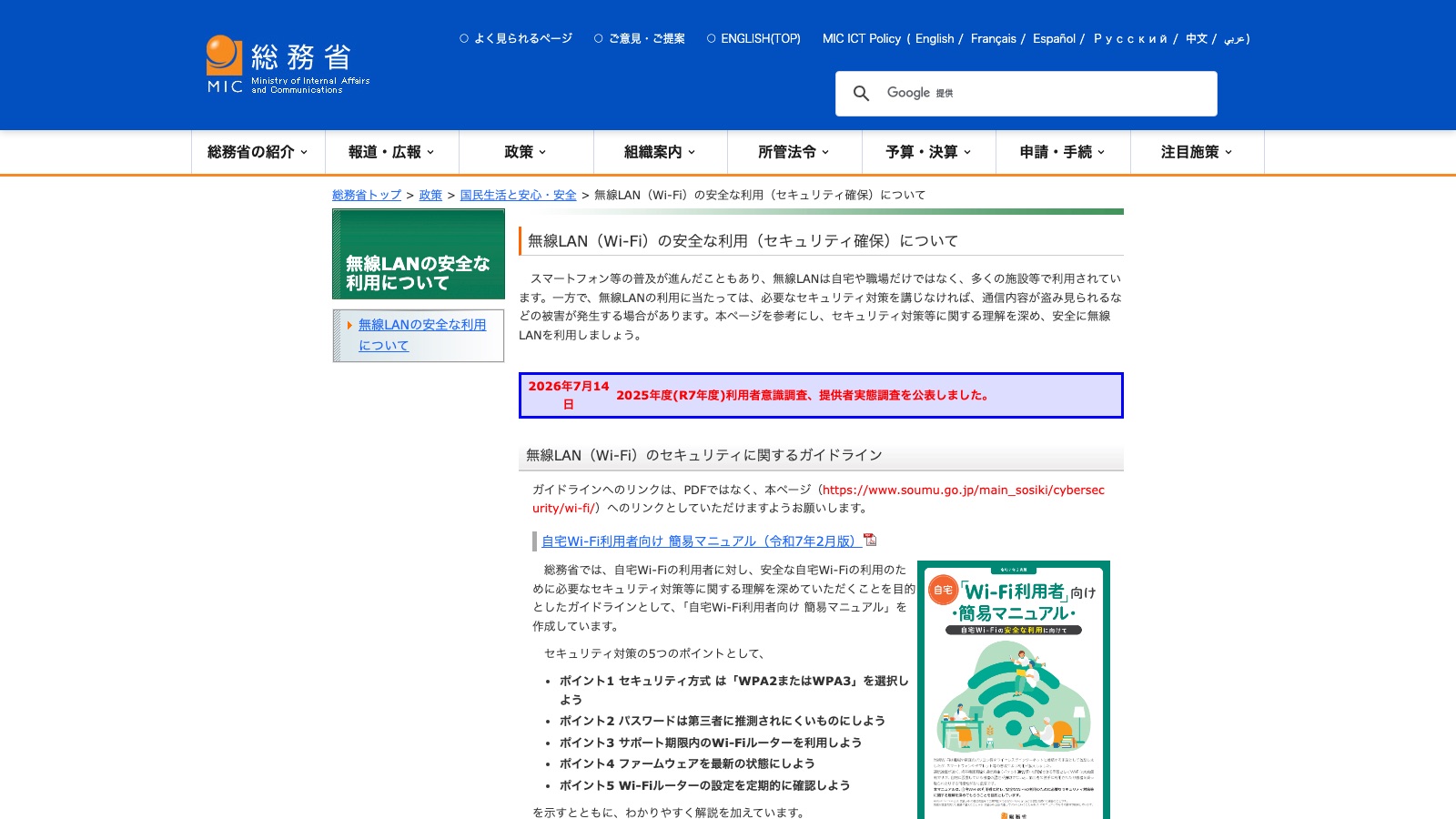
Screenshot: 無線LAN(Wi-Fi)の安全な利用(セキュリティ確保)について — Ministry of Internal Affairs and Communications (MIC), Japan (accessed 2026-09-14)
On this page
Disclosure Some links on this page are affiliate links. If you buy through them we may earn a small commission at no extra cost to you. It never changes what we recommend.
You're in a café in Shibuya, you tap a network called free WiFi, a page asks for your email address, and a small voice in your head says: should I be doing this?
Short answer: yes, you can use it. Japan's free WiFi is mostly open and unencrypted, which sounds alarming but matters far less than it did ten years ago — your browser and your apps do the heavy lifting now.
The thing actually worth your attention isn't eavesdropping. It's the login page itself, and whether the network you joined is the real one.
📶 What "free WiFi" in Japan actually means
Let's settle what you're joining. Most free WiFi in Japan has no password at all — you pick the name, a page opens, you agree to something or type an email, and you're on.
That page is called a captive portal. Japan's Ministry of Internal Affairs and Communications (MIC) describes it plainly in its public WiFi user manual: a technique that forces a specific screen to appear before you can use the internet, usually to make you confirm the terms of use.
No password means no encryption between your phone and the router. Starbucks Japan says so on its own security page — the wireless section of at_STARBUCKS_Wi2 is not encrypted, and it recommends using SSL or a VPN for anything confidential. Narita Airport's page is just as blunt: it doesn't use WEP-style security that would need setting up in advance, and it suggests a VPN if you need secure communication.
Here's the part people miss. A network with a shared password isn't much better. MIC's manual spells it out: on public WiFi using WPA2-Personal, everyone connected knows the same key, so the traffic can be decrypted relatively easily — and anyone with that key can stand up a fake network with the same name. Treat password-protected café WiFi the same way you'd treat an open one.
There's also a national umbrella. The Japan Tourism Agency's "Japan. Free Wi-Fi" symbol covers services from NTT Broadband Platform (around 150,000 locations), Wire and Wireless (around 200,000) and SoftBank (around 400,000). Different operators, same basic deal: register once, connect.
🔐 So is it dangerous? The honest 2026 answer
No, not in the way the scare articles imply. The classic "hacker reads your bank password over the air" scenario assumes your traffic is readable, and in 2026 it usually isn't.
MIC's own diagram makes the distinction cleanly: WiFi encryption only protects the stretch from your device to the router. HTTPS protects the whole path, from your browser all the way to the server. The ministry's advice to users isn't "avoid public WiFi" — it's treat HTTPS as mandatory when you're on it.
Most of your phone is already covered. App stores push HTTPS on developers, so the large majority of apps encrypt by default.
The real risk is smaller and sneakier: a network that isn't what it says it is. MIC's 2025 guidance for WiFi operators reports actual cases of fake public WiFi set up with the same name as a legitimate service, which lures people to a fake login screen and harvests the IDs, passwords and email addresses they type in. The user manual describes the same trap from the traveller's side — an unfamiliar network, an SNS login screen, a URL nobody checked.
That's the whole threat model. Not your traffic. The form you fill in.
And almost nobody checks. In MIC's survey of public wireless LAN users, only 11.4% said they always verify the network name, and only 12.2% always check they're on HTTPS. Among people who avoid public WiFi entirely, 66.0% said security worry was the reason — which is a lot of anxiety pointed at roughly the wrong thing.
📋 Which networks you'll meet, and what they want
Here's what the main ones ask for. Every row comes from the operator's own page.
| Network | Encrypted over the air? | What you hand over | Session |
|---|---|---|---|
| TOKYO_FREE_Wi-Fi (Tokyo Metropolitan Government) | Yes — OpenRoaming encrypts the wireless section | One-time profile install, sign-in via Google, Apple or LINE | No time limit |
| Metro_Free_Wi-Fi (Tokyo Metro, 61 stations) | Not stated | Email address | 3 hours per login |
| JR-WEST Free Wi-Fi | Not stated; the operator recommends a VPN | Email address, or Facebook / X / Google login | Email confirmation link expires in 5 minutes |
| at_STARBUCKS_Wi2 | No — operator states it is not encrypted | Agree to terms only | — |
| FreeWiFi-NARITA (Narita Airport) | No advance-setup security; VPN recommended | Agree to terms, no registration | — |
| 00000JAPAN (disasters only) | No — opened with no authentication and no encryption | Nothing | Disaster periods only |
Two notes on that table. Tokyo Metro's service was showing as suspended for equipment upgrades at the time of writing, so don't plan around it. And 00000JAPAN is the emergency network that carriers switch on after earthquakes or major outages — MIC explicitly says it's provided with usability first, so keep any use to the minimum, like checking that people are safe.
Honestly, TOKYO FREE Wi-Fi is the one I'd set up before flying if Tokyo is your base. It's the only widely available option here that actually encrypts the air link, and because it runs on OpenRoaming, the Tokyo Metropolitan Government's FAQ says it also helps you avoid being redirected to impersonating access points. Five minutes of setup solves both problems in the article at once. The catch is the same one that catches everybody: you need internet to install the profile, so do it at home.
Traveller reviews of these systems are refreshingly unromantic. On the App Store page for NTT BP's Japan Wi-Fi auto-connect app, one review notes: "Kind of silly you have to set this up prior to connecting to a WiFi it supports… it tells you to download the app before using the supported WiFi, but it won't give you internet to actually download the app." Another puts the limits plainly: "Sometimes the app works, but most free wifi in Japan requires an email login."
🛡 When a VPN helps — and when it just breaks the login
A VPN wraps your traffic in an extra encrypted tunnel. On an open network that's a genuine upgrade for anything not already using HTTPS, and both JR West and Narita Airport recommend one on their own pages.
But the order matters, and getting it wrong is the single most common reason people decide Japanese WiFi is "broken".
Join the network first. Let the login page appear and finish it. Then turn the VPN on.
If you switch the VPN on first, the portal often can't reach you, and you sit staring at a spinning browser tab. Apple's guide to captive networks describes the normal flow — tap the network, wait for the login screen, enter an email or accept the terms — and anything that intercepts your traffic before that point gets in the way.
The same applies to iPhone's iCloud Private Relay. Apple documents that some networks aren't compatible with it and gives per-network steps to switch it off: Settings → Wi-Fi → the info button next to the network → turn off Limit IP Address Tracking. If a Japanese portal refuses to load on an iPhone, that's the first thing I'd check.
My actual read: a VPN is a useful belt-and-braces layer, not the main defence. The main defence is your browser showing a padlock and a URL you recognise. If you're deciding between paying for a VPN and buying a travel eSIM so you barely need public WiFi at all, the eSIM solves more of the problem.
✅ The 60-second routine that covers you
Do these and you've handled essentially all of the realistic risk.
- Match the name to a sticker. Check the network name against the one printed in the shop or station. MIC's user manual makes this point 1 for a reason.
- Look at the login page URL. It should start with
https://and belong to the operator. If the browser says "not secure" or the padlock is missing, close it and walk away. - Never reuse a password on a portal. If a WiFi login page asks for your Google or social account, be suspicious — and never type a password you use elsewhere.
- Use a throwaway email for registration. These portals want an address, not your life story.
- Turn off auto-join. MIC recommends disabling automatic connection for anything other than the networks you use daily, so your phone doesn't silently join something you didn't choose.
And if you're on a laptop, switch off file sharing before you connect. Not every public network blocks devices from seeing each other.
❓ FAQ
Can I do online banking on free WiFi in Japan?
You can, over HTTPS in a banking app. But if a network gives you any reason to hesitate — odd name, broken padlock, certificate warning — use mobile data for that one task instead.
Do I need a VPN to visit Japan?
No. It's an optional extra layer, recommended by some operators including JR West and Narita Airport. Skipping it doesn't leave you exposed as long as you stick to HTTPS.
Why won't the WiFi login page open on my iPhone?
Usually a VPN or iCloud Private Relay is intercepting the request. Turn the VPN off, or disable Limit IP Address Tracking for that network in Wi-Fi settings, then rejoin.
Is the free WiFi at 7-Eleven still available?
No. The 7SPOT service ended and the old domain no longer belongs to it, so don't plan on convenience-store WiFi from that chain.
What is 00000JAPAN?
Japan's emergency free WiFi, opened by carriers after disasters. It has no password and no encryption by design, so use it to check in with people and little else.
In short
- Most Japanese free WiFi is open and unencrypted — including big names like Starbucks and Narita Airport, by their own admission.
- That matters less than it sounds, because HTTPS protects the full path from your browser to the server.
- The genuine risk is a fake network with a copied name and a fake login page, which is documented by MIC as a real, reported attack.
- Check the network name, check the padlock, use a throwaway email, turn off auto-join.
- Connect and finish the portal login first, then switch your VPN on.
One thing to do before you fly: install the TOKYO FREE Wi-Fi profile while you still have reliable internet at home. It's free, it takes about five minutes, and it's the only option in this article that encrypts the connection and guards against lookalike hotspots at the same time.
Sources
- 無線LAN(Wi-Fi)の安全な利用(セキュリティ確保)について — Ministry of Internal Affairs and Communications (MIC), Japan (accessed 2026-09-14)
- 公衆Wi-Fi利用者向け 簡易マニュアル(令和7年2月版) — Ministry of Internal Affairs and Communications (MIC), Japan (accessed 2026-09-14)
- 公衆Wi-Fi提供者向け セキュリティ対策の手引き(令和7年2月版) — Ministry of Internal Affairs and Communications (MIC), Japan (accessed 2026-09-14)
- at_STARBUCKS_Wi2 セキュリティについて — Wire and Wireless / Starbucks Coffee Japan (accessed 2026-09-14)
- TOKYO FREE Wi-Fi — How to Use — Tokyo Metropolitan Government (accessed 2026-09-14)
- TOKYO FREE Wi-Fi — Frequently Asked Questions — Tokyo Metropolitan Government (accessed 2026-09-14)
- Tokyo Metro Free Wi-Fi — Tokyo Metro (accessed 2026-09-14)
- How to Use JR-WEST Free Wi-Fi — West Japan Railway Company (accessed 2026-09-14)
- Wi-Fi / 電源コンセントスペース — Narita International Airport (accessed 2026-09-14)
- Japan. Free Wi-Fi — About — Japan Tourism Agency / JNTO (accessed 2026-09-14)
- Use captive Wi-Fi networks on your iPhone or iPad — Apple (accessed 2026-09-14)
- Manage iCloud Private Relay for specific websites, networks, or system settings — Apple (accessed 2026-09-14)
- Japan Wi-Fi auto-connect — Ratings & Reviews — Apple App Store (accessed 2026-09-14)
- Wi-Fi in Japan — Japan National Tourism Organization (JNTO) (accessed 2026-09-14)
